What Rebuilding a React Native App Taught Me About Mobile Development
2026-01-07

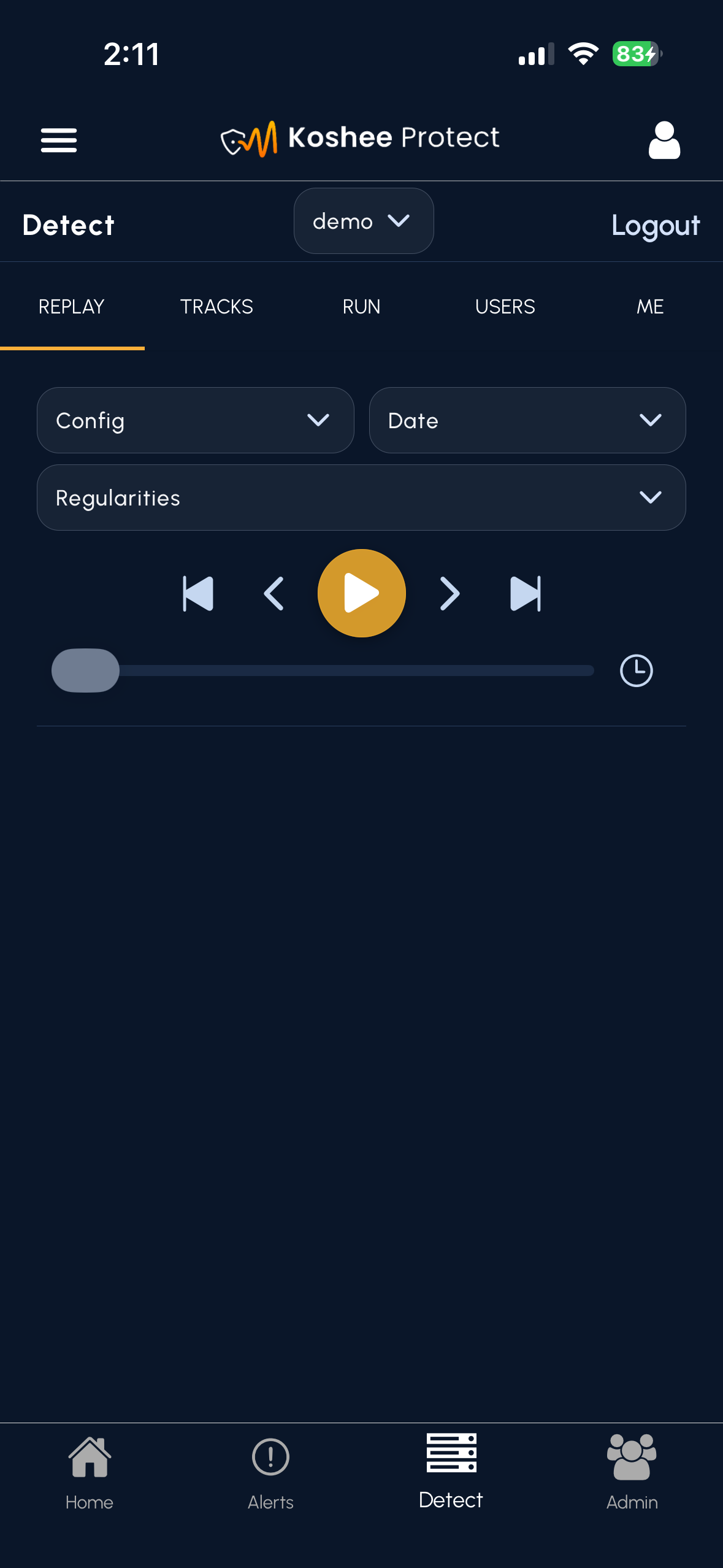
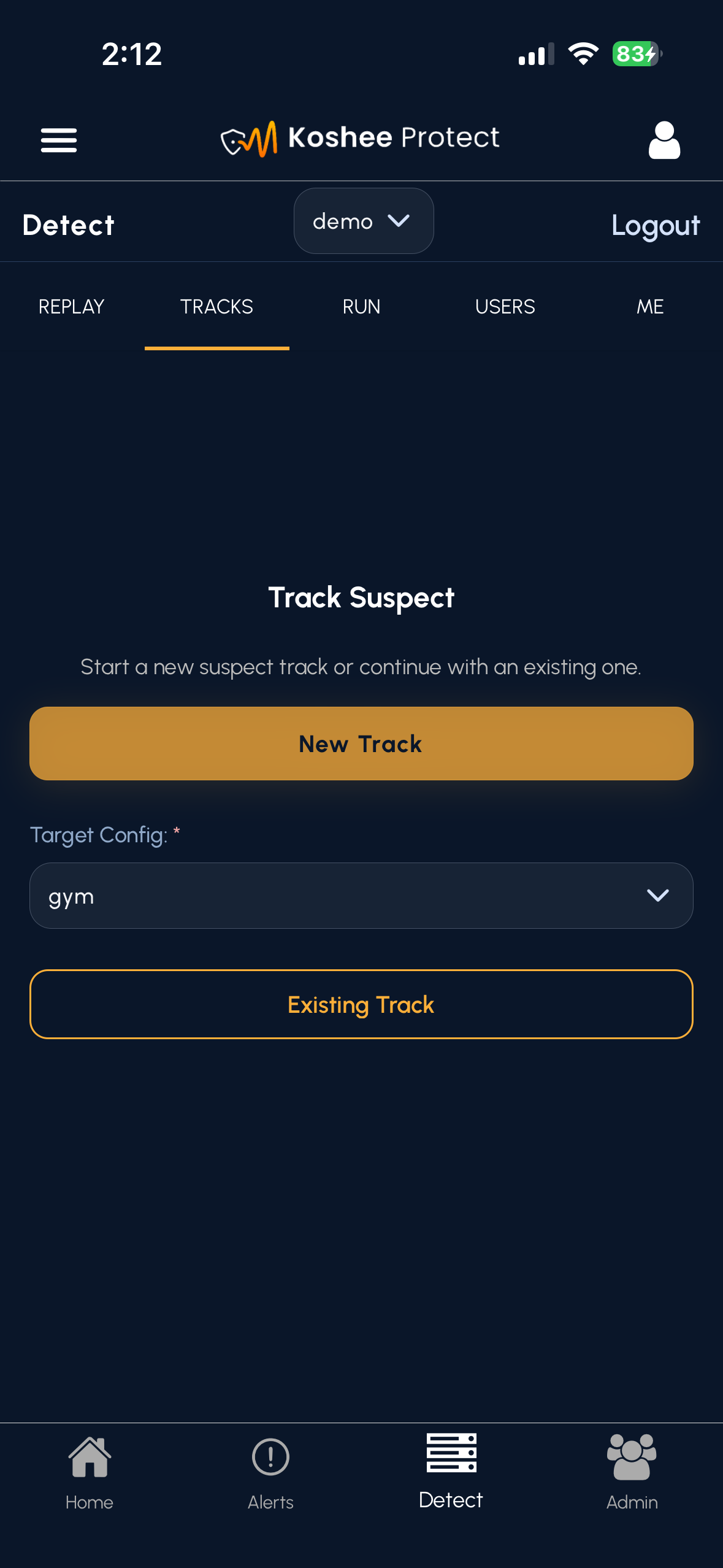
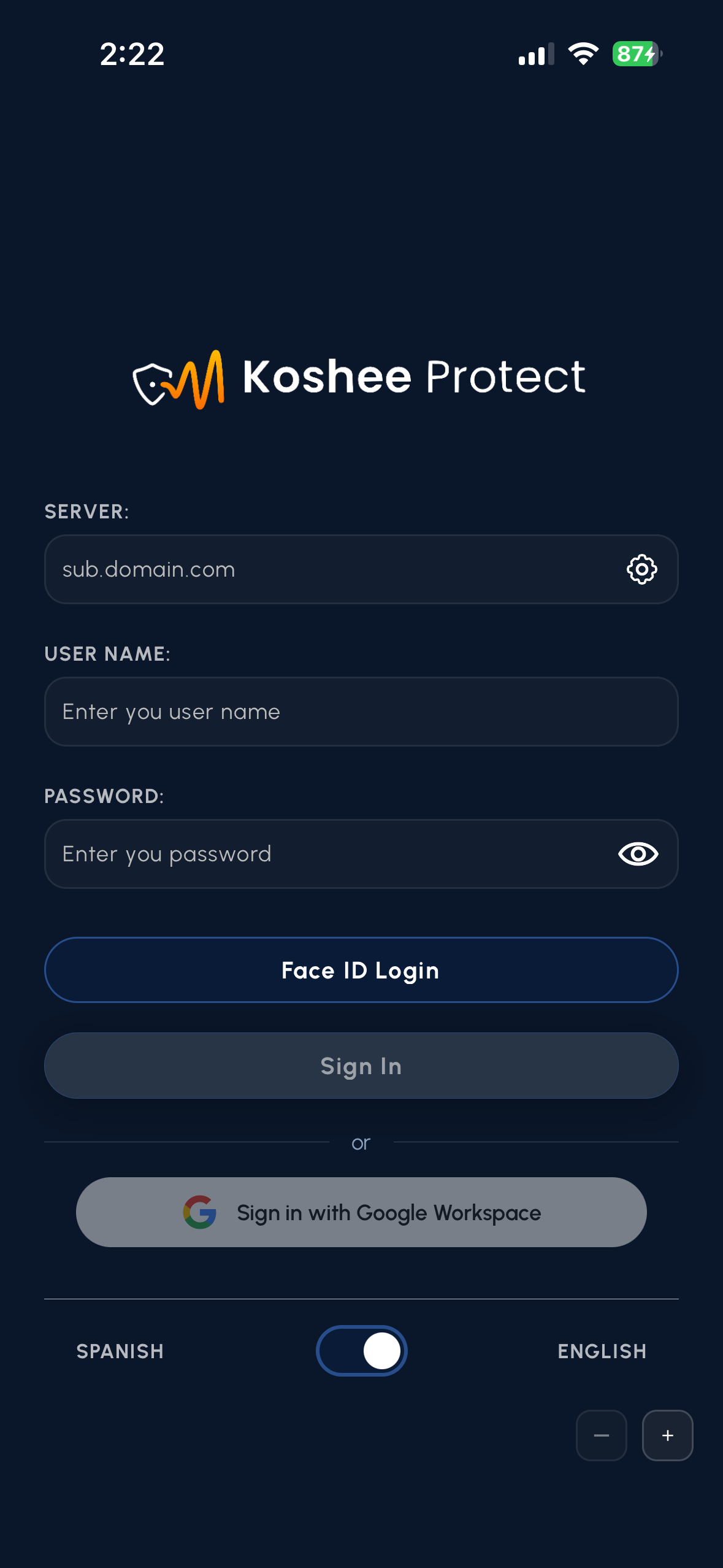
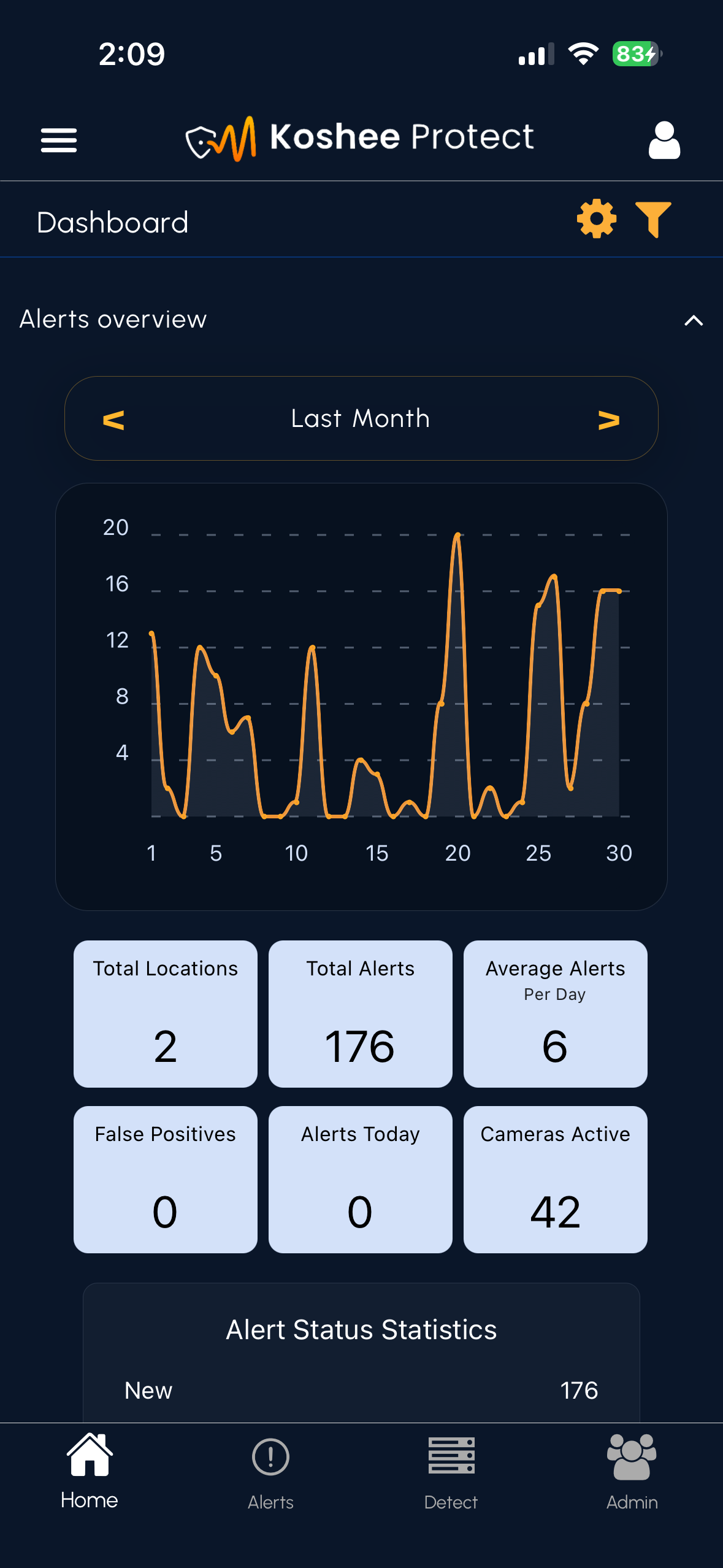
Redacted mobile UI examples from the React Native rebuild.
When I began working more extensively in React Native, I expected the experience to feel similar to web development. The component model and syntax were familiar, but I quickly learned that building effective mobile experiences requires a very different way of thinking about navigation, responsiveness, usability, and context.
The application we inherited had been developed by a previous contracted team and primarily functioned as an alert viewer, with many operational workflows redirecting users back to the web platform. As we expanded and modernized the application, our goal shifted toward creating a more complete mobile experience capable of supporting real-time alerting, investigation, and response workflows directly within the app.
I contributed to the development of new and redesigned React Native interfaces supporting alert review, live camera monitoring, alert summaries, user preferences, and Detect/Track workflows. This included functionality allowing users to create and execute tracking configurations, view multiple camera feeds simultaneously, and interact with operational workflows that had previously existed only on the web platform.
One of the biggest challenges was realizing that mobile development is not simply web development on a smaller screen. Designing effective experiences required balancing phone and tablet layouts, navigation patterns, touch interactions, media presentation, platform-specific behaviors, accessibility requirements, and the overall usability of the application in real-world operational contexts.
- Biggest realization: Mobile interfaces require fundamentally different design and interaction patterns than web applications.
- Steepest learning curve: Designing responsive experiences across phones and tablets involves far more than adjusting component sizes and breakpoints.
- Most valuable lesson: The interaction between features, navigation, responsiveness, and user workflows often matters more than the individual feature itself.
- Outcome: The mobile application evolved from a companion alert viewer into a more capable operational platform supporting real-time monitoring, investigation, and response workflows.
This project served as an accelerated introduction to mobile software engineering and fundamentally changed how I think about designing user-facing systems across platforms and devices.
Project images
View 8 more images