Shipping i18n in a Production React App
2025-08-01
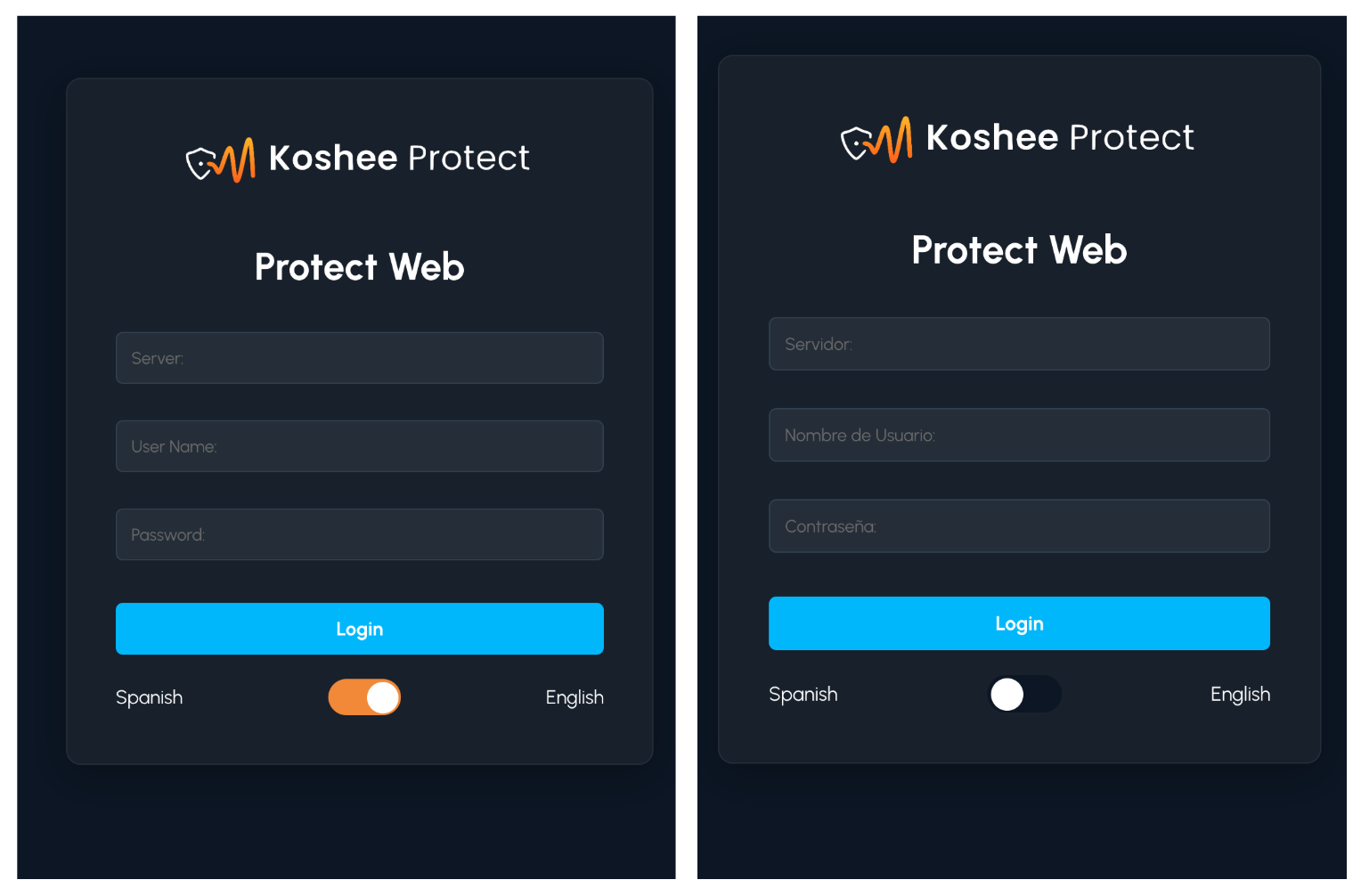
When I first heard that we needed internationalization (i18n), I assumed it would be something like a browser plugin or visual overlay. Instead, I quickly learned that adding multi-language support required changing how the entire application handled text.
I implemented i18next from scratch in our React application, migrating hard-coded strings into translation keys and supporting interpolation, pluralization, and dynamic content rendering. What initially felt like a straightforward task became an exercise in designing a system that could scale as the application evolved.
Using react-i18next and i18next-browser-languagedetector, I implemented automatic language detection, preference persistence, locale switching, and fallback behavior. I also learned how seemingly simple concepts like pluralization become much more nuanced when supporting multiple languages.
- Libraries: i18next, react-i18next, i18next-browser-languagedetector
- Features: key namespacing, interpolation, pluralization, language detection, persisted preferences
- Outcome: A scalable internationalization system ready to support future locales
This project taught me that features which appear simple on the surface often require rethinking how an application is structured underneath.